

As founders, our most valuable asset is time. Manually posting, monitoring, and engaging on social media is a resource drain we can't afford. That’s why building an efficient automation stack isn't a luxury; it's a core growth strategy. This isn't another generic list. This is a look inside our playbook at BillyBuzz, where we combine powerful social media automation tools to find customers, build our brand, and stay lean.
We'll share the exact tools we use, from broad-spectrum schedulers to hyper-focused monitoring platforms, and explain how they fit into a cohesive, time-saving system. We even reveal our internal workflows, like the specific subreddits we monitor for brand mentions and the response templates we use to engage potential users quickly. Forget the marketing fluff; this is a practitioner's guide to doing more with less.
Each tool in this roundup includes a breakdown of its core features, honest pros and cons from our experience, and clear pricing information. We’ve included screenshots and direct links to help you evaluate which platform is the right fit for your specific stage, whether you're a solo founder or a growing marketing team. We'll show you how to connect different platforms to create a powerful, hands-off workflow that saves you hours every week.
For those just starting, implementing a solid strategy is key. For a broader perspective on implementing effective automation, consider this comprehensive guide to automated social media posting that works. This guide will help you find the best social media automation tools to reclaim your time and focus on what truly matters: building your business.
1. BillyBuzz
As the founders of BillyBuzz, we built this tool to solve our own biggest problem: finding high-intent customers on Reddit without spending all day scrolling. It’s our specialized weapon for social listening and lead generation, designed specifically for founders like us. It transforms the chaotic world of subreddit conversations into a predictable stream of customer opportunities and organic SEO wins.
The platform's core is a context-aware AI that goes way beyond simple keyword tracking. While other tools send you noise, BillyBuzz analyzes a conversation's intent. It knows the difference between a casual mention and a user actively looking for a solution, complaining about a competitor, or asking for recommendations. This intelligent filtering ensures the real-time alerts sent to our Slack are genuinely actionable, not just chatter.
How We Use BillyBuzz Internally (Our Exact Workflow)
Inside BillyBuzz, we cut through the manual grind. Here’s our playbook:
- Alert Rules: We set up highly specific alert rules targeting subreddits like
r/saas,r/growmybusiness, andr/marketing. - Keyword Filters: Our filters are configured to detect phrases like "any tool for X", "alternative to [competitor]", or "how do I solve Y". We use negative keywords like
-"job",-"hiring", and-"[our own brand]"to exclude irrelevant posts. - Response Templates: When a high-relevancy alert fires in Slack, we use one of our pre-built response templates. For example: "Hey [Name], saw you were looking for a tool to solve [Problem]. We actually built BillyBuzz for this exact reason. It helps by [Benefit 1] and [Benefit 2]. No pressure to check it out, but it might save you some time. Happy to answer any questions!"
We then customize it for the specific conversation, allowing us to engage authentically within minutes. This disciplined process turns Reddit from a time sink into our #1 customer acquisition channel.
Standout Features and Strategic Advantages
- AI-Powered Contextual Monitoring: Intelligently identifies high-intent discussions, competitor mentions, and direct user pain points, saving countless hours of manual subreddit scanning.
- Real-Time, Multi-Channel Alerts: Instant notifications via Email, Slack, or Discord enable rapid response, a critical factor for successful engagement on Reddit.
- SEO Amplification: BillyBuzz helps you strategically engage in threads that have the potential to rank on Google, creating long-term organic traffic assets that drive leads for months or years. You can read more about how BillyBuzz enhances your social media monitoring efforts on their blog.
- AI Reply Suggestions: Accelerates engagement by generating context-aware reply drafts, helping your team maintain a consistent and helpful tone without starting from scratch.
Pricing & Suitability
BillyBuzz offers a tiered pricing model designed to scale with your company's growth.
| Plan | Price (Monthly) | Best For |
|---|---|---|
| Starter | Starts at $49 | Solo founders and early-stage startups. |
| Growth | Starts at $99 | Small marketing teams needing more keywords. |
| Scale | Starts at $199 | Established businesses with extensive monitoring needs. |
Pros & Cons:
- Pro: The AI-driven, context-aware monitoring is a significant step up from traditional keyword trackers, delivering higher-quality leads.
- Pro: Its focus on generating Reddit posts that rank on Google provides a unique, long-term SEO benefit not found in most social tools.
- Con: Its exclusive focus on Reddit means you will need other tools to monitor platforms like Twitter, Facebook, or LinkedIn.
- Con: Some advanced AI categorization features are still in development, which may temporarily limit deep analytical dives.
Website: https://www.billybuzz.com
2. Sprout Social
Sprout Social is an enterprise-grade social media management platform that offers a comprehensive suite of tools designed for larger teams and organizations. It goes beyond simple scheduling, providing robust workflows for publishing, engagement, analytics, and social listening in a single, unified dashboard. This platform is one of the more mature social media automation tools available, focusing heavily on team collaboration and data-driven strategy.
Its strength lies in providing a centralized command center for complex social media operations. For instance, the unified Smart Inbox pulls in messages from all connected profiles, allowing customer service teams to respond efficiently and track conversation history. At BillyBuzz, we use its approval workflows to ensure brand consistency; a junior manager can draft posts, which are then automatically routed to a director for approval before going live, preventing errors and maintaining a consistent voice.

Key Features & Use Cases
- Best for: Established businesses and agencies needing advanced collaboration, governance, and deep analytics.
- Standout Feature: The platform’s analytics are exceptionally powerful. You can generate presentation-ready reports that compare paid vs. organic performance, track competitor activity, and even measure internal team response times.
- Practical Tip: Leverage the ViralPost® feature, which analyzes your audience's engagement patterns to automatically publish content at the optimal times for maximum reach, taking the guesswork out of scheduling.
- Integrations: Connects seamlessly with platforms like Salesforce, Zendesk, and HubSpot, turning social interactions into actionable data for your sales and support teams.
Pros and Cons
| Pros | Cons |
|---|---|
| Powerful analytics and customizable reporting for data-driven decisions. | Higher per-seat pricing makes it costly for small teams. |
| Mature collaboration features with granular user permissions and approval workflows. | Best value is realized at scale; may be overkill for solo users. |
| Unified Smart Inbox streamlines engagement and customer care across all networks. | Some advanced features are locked behind higher-tier plans. |
Pricing: Plans start at $249 per user/month, with more advanced features and integrations available in the Professional ($399/user/month) and Advanced ($499/user/month) tiers. A 30-day free trial is available.
Website: https://sproutsocial.com
3. Hootsuite
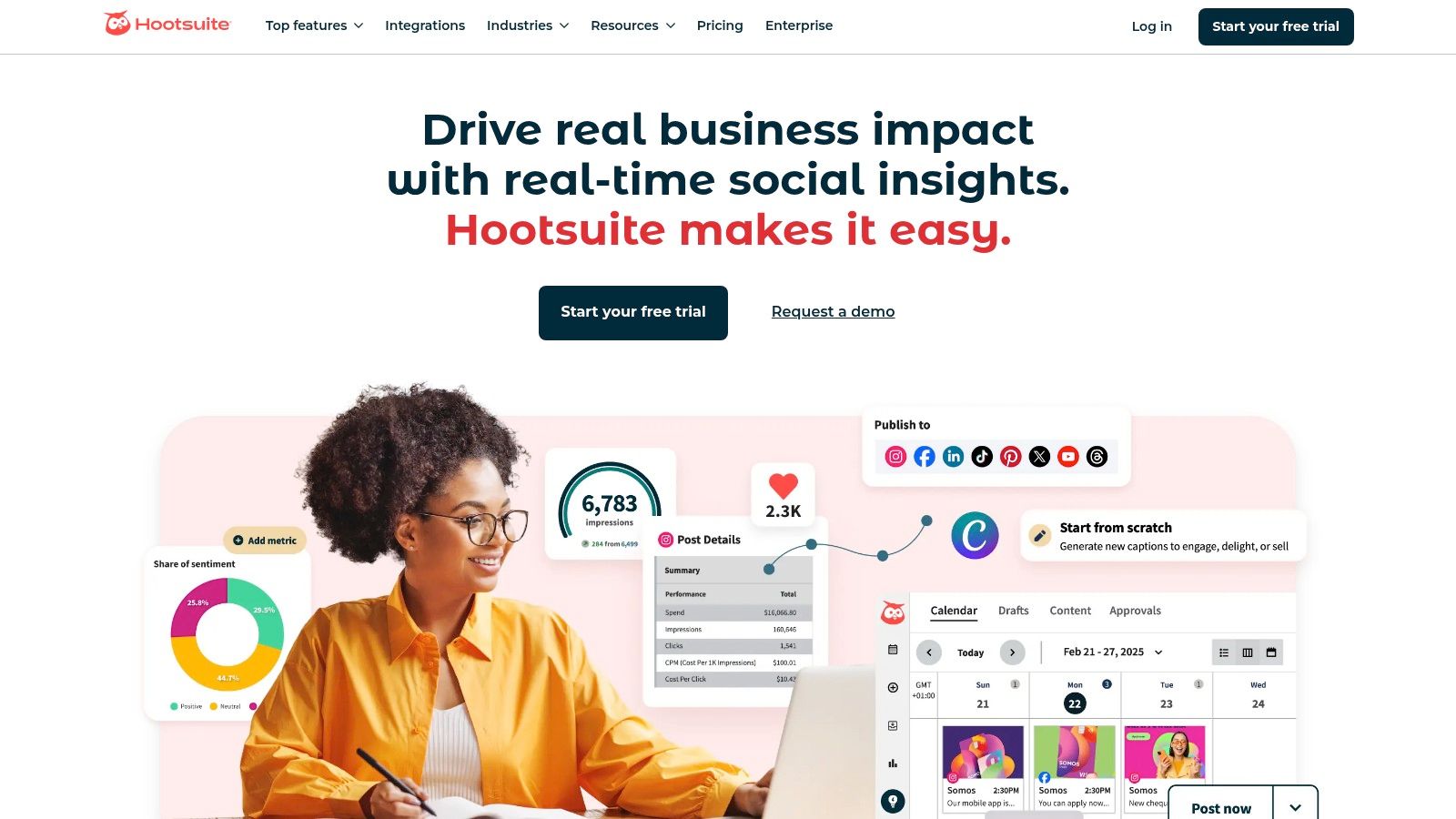
Hootsuite is one of the most long-standing and recognizable names in social media management, offering a mature suite that scales from individual users to large enterprises. It provides a centralized dashboard for scheduling, monitoring, and analyzing performance across a vast array of social channels. As one of the more established social media automation tools, it has built a robust ecosystem that includes everything from an AI-powered content creator to in-depth social listening and analytics.
Its key advantage is its comprehensive, all-in-one nature. At BillyBuzz, we find its bulk scheduling feature invaluable for campaign launches; we can upload a CSV file with hundreds of pre-written posts and schedule them across multiple networks in minutes. The platform's integrated Canva templates also streamline our creative process, allowing our community manager to design and schedule graphics without leaving the Hootsuite dashboard, ensuring a consistent and efficient workflow.
Key Features & Use Cases
- Best for: Businesses of all sizes, from solo entrepreneurs to large teams, who need a reliable, all-in-one platform with extensive channel support.
- Standout Feature: The "Best Time to Publish" recommendation engine, which automatically suggests optimal posting times based on your audience's past engagement, removing guesswork and boosting visibility.
- Practical Tip: Use Hootsuite Streams to set up dedicated feeds for monitoring brand mentions, keywords, and competitor activity in real-time. This is a great way to engage with your community and stay ahead of industry trends. For more on this, explore how AI enhances social media analytics.
- Integrations: Features a massive app directory with integrations for tools like Slack, Adobe, and Microsoft Dynamics, extending its functionality significantly.
Pros and Cons
| Pros | Cons |
|---|---|
| Extensive channel support including all major networks plus platforms like Pinterest and TikTok. | Pricing is higher than many newer, SMB-focused tools. |
| Mature and robust ecosystem with a wide range of features and integrations. | Some users have noted price changes and plan shifts over time. |
| Strong competitor benchmarking and analytics for strategic insights. | The interface can feel cluttered for users new to the platform. |
Pricing: The Professional plan starts at $99 per month for 1 user and 10 social accounts. Team and Enterprise plans offer more users, accounts, and advanced features. A 30-day free trial is available.
Website: https://www.hootsuite.com
4. Buffer
Buffer is one of the most streamlined and user-friendly social media automation tools on the market, designed primarily for small businesses, creators, and teams who prioritize simplicity and efficiency. It excels at its core function: scheduling content. Its clean, intuitive interface allows users to quickly build a queue of posts that are automatically published according to a preset schedule, removing the need for manual posting. This focus on ease of use makes it a perfect entry point into social media management.
Its strength lies in its "set it and forget it" queue-based system. At BillyBuzz, we often use Buffer for our secondary or experimental channels where we need consistent posting without the overhead of a complex platform. A content creator can load a week's worth of posts into the queue in under an hour, and Buffer handles the rest, ensuring a steady stream of content goes live. The platform also includes a simple engagement tool for replying to comments and a "Start Page" feature to create a link-in-bio page.
Key Features & Use Cases
- Best for: Solopreneurs, creators, and small businesses seeking a straightforward, affordable scheduling solution without enterprise-level complexity.
- Standout Feature: The queue-based publishing system is incredibly simple. You define a posting schedule for each day (e.g., 9 AM, 1 PM, 5 PM) and then simply add content to your queue; Buffer automatically fills the next available slot.
- Practical Tip: Use the browser extension to quickly add interesting articles and images you find online directly to your Buffer queue. This is a huge time-saver for content curation.
- Integrations: Connects with essential tools like Canva, Zapier, and IFTTT, allowing you to create simple automation workflows like adding blog posts to your queue automatically via RSS feeds.
Pros and Cons
| Pros | Cons |
|---|---|
| Extremely easy to use with a minimal learning curve. | Analytics are basic compared to more robust platforms. |
| Transparent and affordable pricing based on the number of channels. | Limited collaboration features on lower-tier plans. |
| Generous free plan is perfect for individuals just starting out. | Engagement tools are less powerful than unified inbox systems. |
Pricing: Offers a Free plan for up to 3 channels. Paid plans start with the Essentials plan at $6 per channel/month, with team and agency plans available that offer more features and user seats. A 14-day free trial is available for paid plans.
Website: https://buffer.com
5. Later
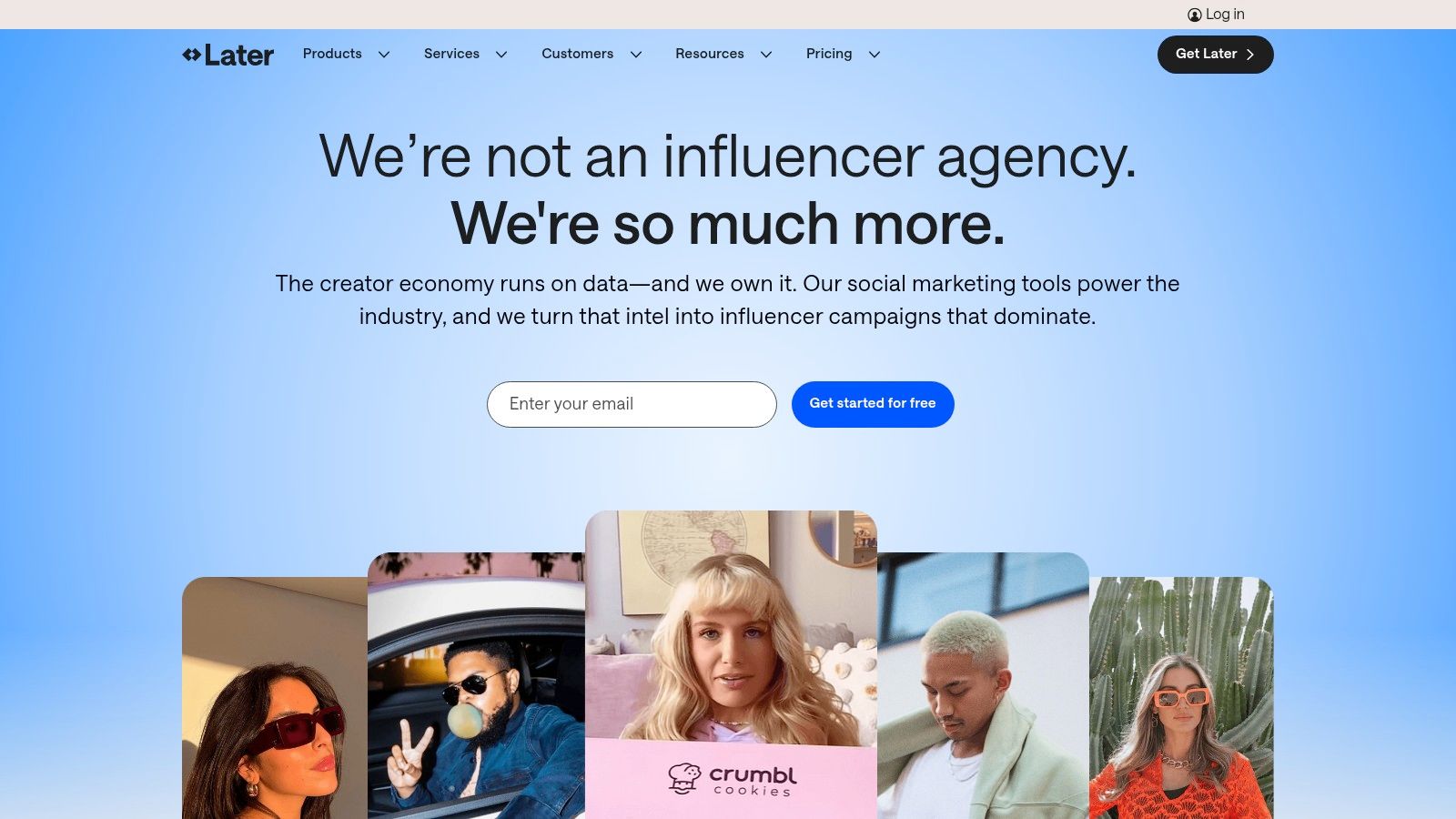
Later is a visual-first social media management platform that started with a laser focus on Instagram and has since expanded to most major visual networks. Its intuitive, drag-and-drop calendar makes it a favorite among creators, e-commerce brands, and anyone whose strategy is built around compelling imagery and video. While many platforms offer scheduling, Later excels at helping you visualize and plan your feed’s aesthetic ahead of time.
This platform is more than just a scheduler; it's a complete content planning hub. For instance, at BillyBuzz, our design team uses the Visual Planner to preview how new graphics will look on our Instagram grid before a single post goes live. This ensures our brand aesthetic remains cohesive and professional, which is crucial for visually driven platforms. It's one of the best social media automation tools for teams who think in visuals.
Key Features & Use Cases
- Best for: Creators, solo entrepreneurs, and e-commerce brands whose marketing is heavily reliant on visual platforms like Instagram and TikTok.
- Standout Feature: The Visual Planner is a game-changer for Instagram. It provides a real-time preview of your grid as you schedule posts, allowing you to curate a specific look and feel.
- Practical Tip: Use the "Best Time to Post" suggestions, which are based on your specific audience's activity. Let Later's AI analyze your past 30 days of engagement and automatically recommend publishing slots for you.
- Integrations: Includes a built-in Linkin.bio tool to create a customizable, clickable landing page for your bio link, driving traffic directly from your posts to your website or product pages.
Pros and Cons
| Pros | Cons |
|---|---|
| Excellent user interface focused on visual content planning. | Starter plan limits the number of posts per profile per month. |
| Powerful Instagram-centric features like the Visual Planner and First Comment scheduling. | Some key features like collaboration are locked in higher-tier plans. |
| Linkin.bio feature is a strong, integrated alternative to third-party tools. | Analytics are less robust than enterprise-level platforms. |
Pricing: A free plan is available with limitations. Paid plans start with the Starter tier at $25/month, Growth at $45/month, and Advanced at $80/month.
Website: https://later.com
6. Agorapulse
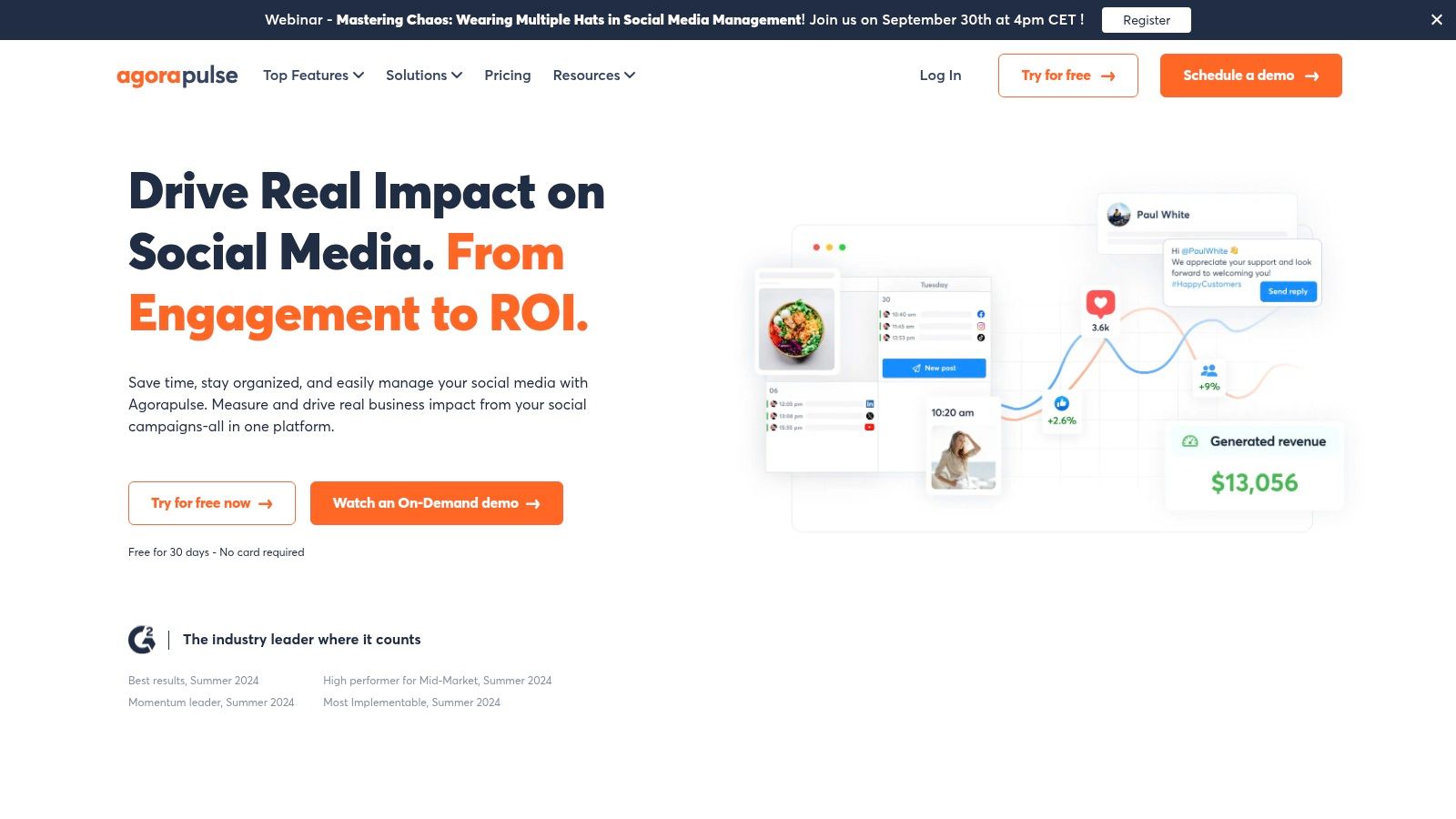
Agorapulse is a powerful and accessible social media management suite that strikes an excellent balance between robust features and user-friendliness, making it ideal for SMBs and agencies. It provides a complete toolkit for publishing, engagement, reporting, and team collaboration without the enterprise-level complexity or price tag. As one of the most well-rounded social media automation tools, its core strength is simplifying daily social media workflows for growing teams.
The platform excels at inbox management and team coordination. At BillyBuzz, we rely on its Inbox Assistant to automatically filter out spam and assign relevant conversations to the right team members, which drastically cuts down on manual triage time. The shared calendar and approval workflows also ensure our content is consistent and error-free before it gets published, empowering junior team members to contribute safely.
Key Features & Use Cases
- Best for: Small to medium-sized businesses and agencies that need a comprehensive, all-in-one tool with strong team features.
- Standout Feature: The unified Social Inbox is incredibly efficient, providing features like one-click translations, saved replies, and automated moderation rules that clear out irrelevant comments, letting you focus on genuine engagement.
- Practical Tip: Use the "bulk upload" feature to schedule hundreds of posts at once from a CSV file. This is perfect for planning evergreen content or campaign posts weeks in advance, saving immense amounts of time.
- Integrations: Connects with Google Analytics to help you track social media ROI, and offers tools like a Canva integration right within the composer.
Pros and Cons
| Pros | Cons |
|---|---|
| Excellent team collaboration with clear approval workflows and user roles. | Per-user pricing can become costly as your team scales. |
| Powerful and intuitive inbox management with automated moderation rules. | Some deeper analytics features are less robust than enterprise tools. |
| Transparent pricing that includes a generous free plan for solo users. | The user interface can feel slightly less modern than some rivals. |
Pricing: Offers a Free plan for 3 profiles. Paid plans start at $49 per user/month (billed annually) for the Standard plan, with Professional ($79/user/month) and Advanced ($119/user/month) tiers offering more features and profiles.
Website: https://www.agorapulse.com
7. Sendible
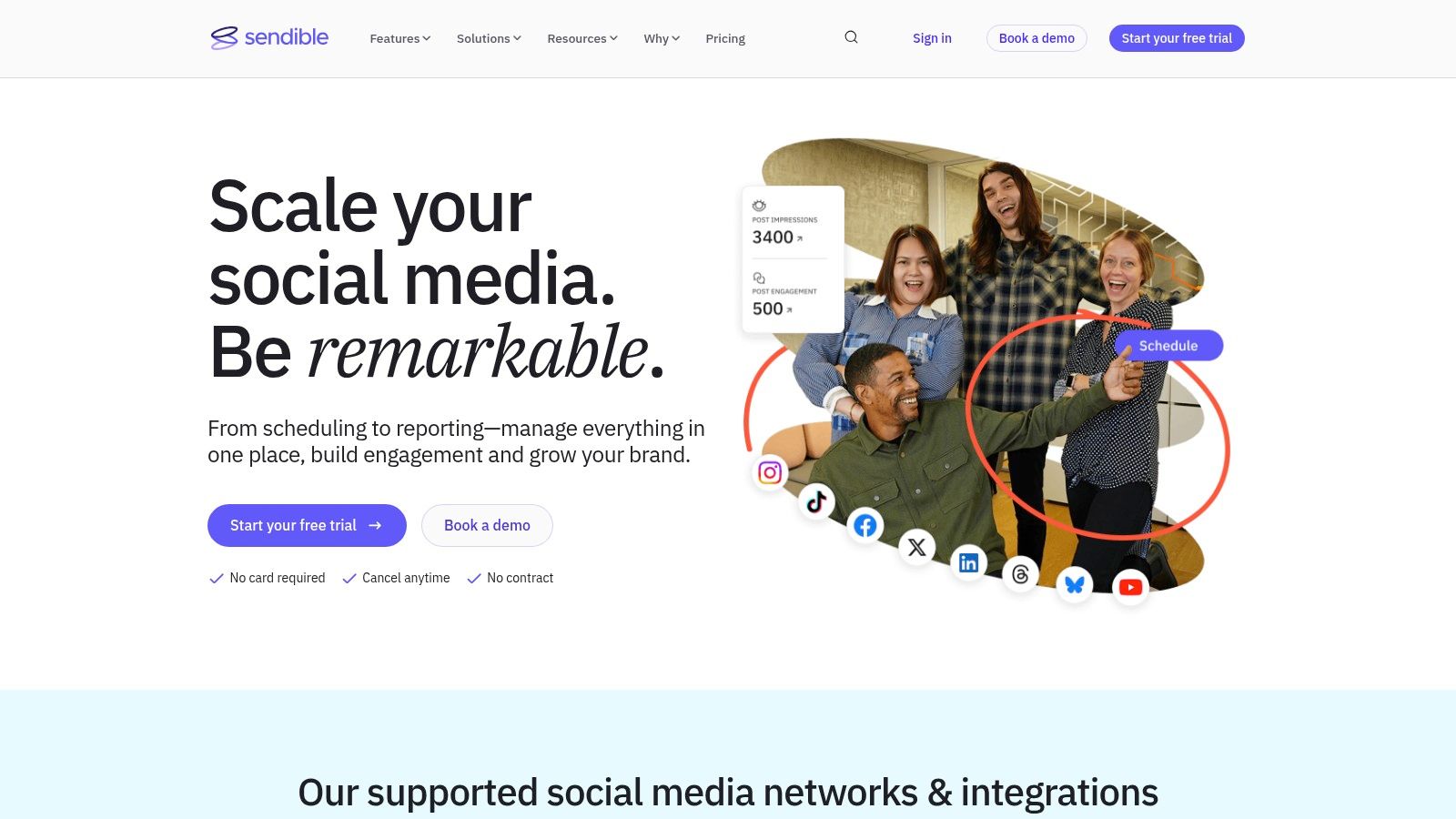
Sendible is a social media management platform purpose-built for agencies and marketers handling multiple client accounts. It streamlines the entire process, from content creation and scheduling to client collaboration and reporting, all within a clean, intuitive interface. This platform excels at organization, providing dedicated dashboards and content libraries for each client, which is a major advantage over more generalized social media automation tools.
Its core strength is its agency-focused workflow. For example, it allows you to create custom-branded, automated reports that can be sent to clients on a recurring schedule, saving hours of manual work each month. At BillyBuzz, we use Sendible's client workspaces to get post approvals without giving clients full access to the backend, maintaining control while ensuring they are happy with the content strategy before it goes live. This feature alone prevents countless back-and-forth emails.
Key Features & Use Cases
- Best for: Digital marketing agencies, freelancers, and brands managing social media for multiple distinct clients or sub-brands.
- Standout Feature: The white-label solution allows agencies to brand the entire platform as their own, offering a more professional and integrated experience for clients.
- Practical Tip: Use the Smart Queues feature to create evergreen content categories. You can set a publishing schedule for each queue (e.g., "Tuesday Tips" or "Friday Fun Facts"), and Sendible will automatically recycle the content, keeping your clients' profiles active with minimal effort.
- Integrations: Connects with major social networks including TikTok and Google Business Profile, as well as tools like Canva, Google Analytics, and various content libraries.
Pros and Cons
| Pros | Cons |
|---|---|
| Agency-centric features like client dashboards and white-labeling. | Some advanced automation and permission settings are locked behind higher-tier plans. |
| Scalable plans that grow with your agency, supporting more users and profiles. | Feature sets are strictly bundled, which can limit access to one-off needs on lower tiers. |
| Robust reporting with automated delivery and live, shareable links. | The interface can feel busy for users who only manage one or two social profiles. |
Pricing: Plans start with the Creator plan at $29/month for solopreneurs. Agency-focused plans include Traction ($89/month) and Scale ($240/month), with custom pricing for larger White Label needs. A 14-day free trial is available.
Website: https://www.sendible.com
8. SocialBee
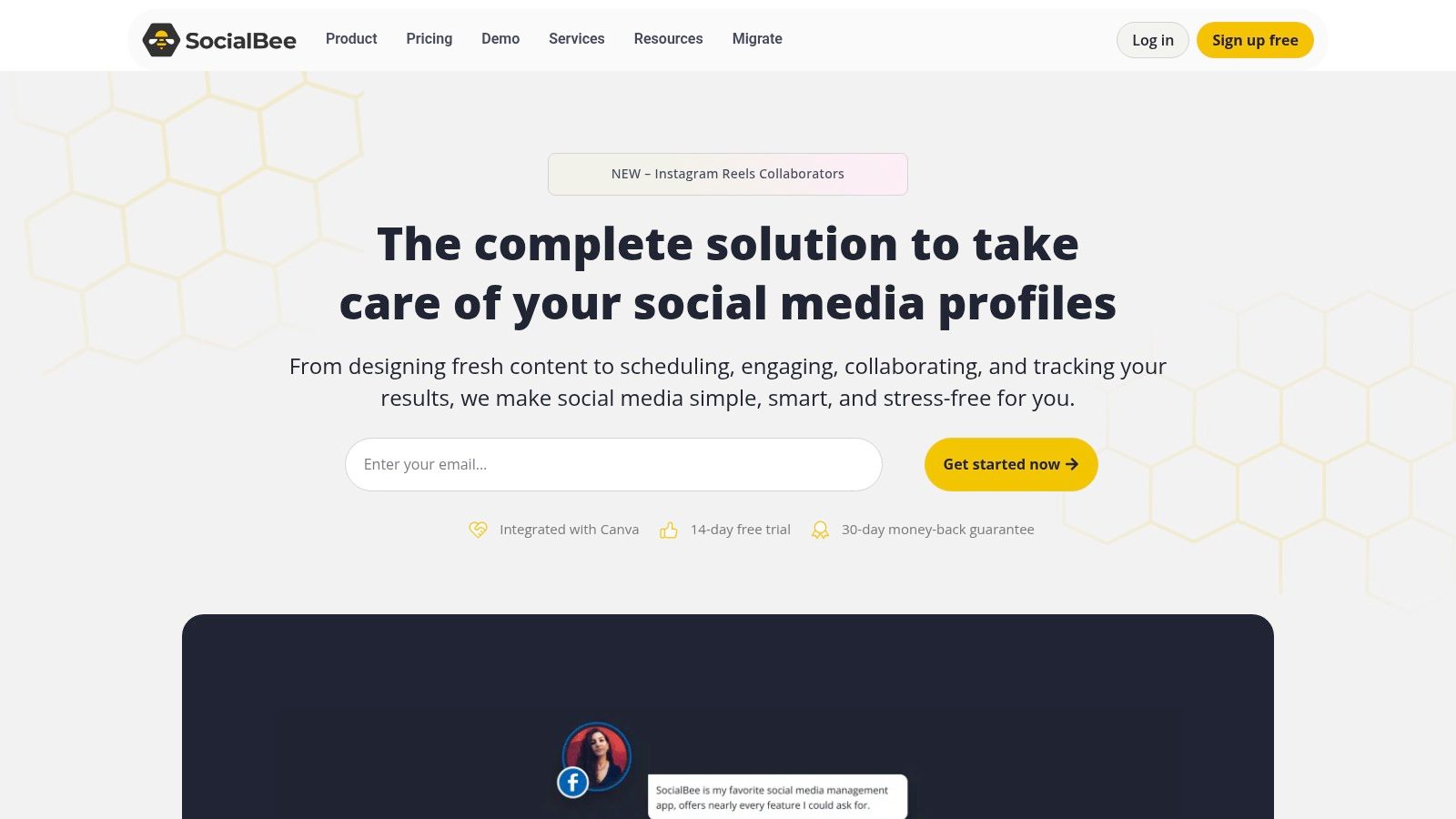
SocialBee is a powerful yet accessible social media management tool that excels at content automation, making it a favorite for solo entrepreneurs, bloggers, and small businesses. Its core strength lies in its category-based content scheduling, which allows you to organize posts by theme (e.g., Blog Posts, Curated Content, Promotions) and set them to publish on a recurring, evergreen schedule. This approach makes it one of the most efficient social media automation tools for maintaining a consistent online presence with minimal hands-on effort.
The platform is designed for users who want to "set it and forget it" without sacrificing quality. For example, at BillyBuzz, we use SocialBee's content categories to ensure we have a balanced mix of promotional, educational, and engagement-focused content going out each week. We can load a category with dozens of evergreen posts, and SocialBee automatically recycles them over time, keeping our social feeds active even when we're focused on other tasks. The AI writing assistant is also a huge time-saver for generating post variations.
Key Features & Use Cases
- Best for: Solopreneurs, small businesses, and agencies looking for powerful content automation and evergreen scheduling on a budget.
- Standout Feature: The content category and evergreen posting system is second to none. You can set posts in a category to expire after a certain date or number of shares, giving you complete control over your content lifecycle.
- Practical Tip: Use the "Bulk Editor" to import a CSV of content, assigning each row to a different category and setting expiration dates all at once. This is perfect for onboarding a new client or launching a major content campaign.
- Integrations: Connects with tools like Canva, Unsplash, and various URL shorteners directly within the platform, streamlining the content creation and sharing process.
Pros and Cons
| Pros | Cons |
|---|---|
| Strong automation with category-based evergreen recycling at a very competitive price. | Lighter engagement features; its inbox lacks the advanced filtering of enterprise tools. |
| User-friendly interface that makes complex scheduling strategies easy to implement. | Limited social listening capabilities compared to more robust platforms. |
| AI Post Generator helps overcome writer's block and quickly create content variations. | Analytics are functional but not as deep as more expensive competitors. |
Pricing: Plans start at $29/month for the "Bootstrap" plan. The "Business" plan at $59/month adds more profiles and workspaces, while the "Agency" plan at $119/month is designed for managing multiple clients.
Website: https://socialbee.com
9. Loomly
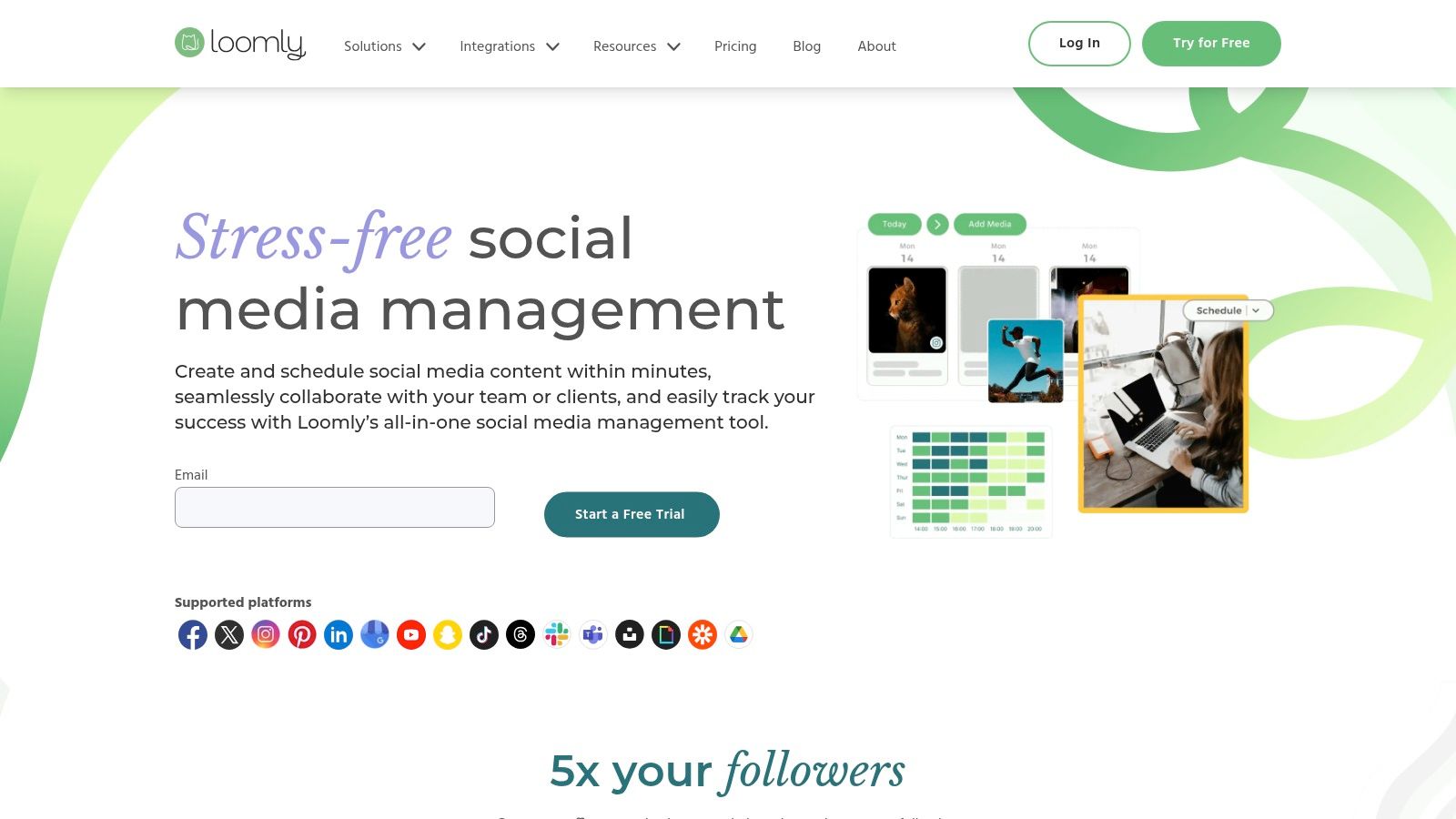
Loomly is a brand success platform that focuses heavily on a clean, calendar-first workflow, making it an excellent choice for teams that prioritize content planning and collaboration. It strips away some of the complexity found in enterprise-level suites and instead delivers an intuitive, guided experience from post idea to final approval. This makes it one of the more approachable social media automation tools for teams that need structure without a steep learning curve.
Its strength is in centralizing the entire content lifecycle. At BillyBuzz, we use Loomly’s post idea generator and optimization tips to brainstorm content angles for new campaigns, ensuring we never start from a blank page. The guided approval workflow is also a core part of our process; a junior team member can draft a week's worth of content, and it automatically gets assigned to a manager who can comment, edit, or approve posts directly within the platform, streamlining our quality control.
Key Features & Use Cases
- Best for: Small to mid-sized teams, agencies, and non-profits looking for a straightforward, collaboration-focused content calendar.
- Standout Feature: The platform provides dynamic post ideas and optimization tips based on social media best practices, trending topics, and date-related events.
- Practical Tip: Use the centralized Asset Library to store all your approved images, videos, and brand assets. This prevents team members from using outdated logos or unapproved visuals, ensuring brand consistency across all channels.
- Integrations: Connects with all major social media platforms and offers integrations with Giphy, Unsplash, and Slack for streamlined content creation and team notifications.
Pros and Cons
| Pros | Cons |
|---|---|
| Intuitive and user-friendly interface that is easy for new team members to adopt. | Limited advanced analytics and social listening capabilities compared to top-tier suites. |
| Excellent collaboration features with clear, multi-step approval workflows. | Pricing can be less transparent and may require contact for specific enterprise needs. |
| Centralized asset library and content calendar simplify content planning and organization. | Lacks some of the deep CRM or helpdesk integrations found in other platforms. |
Pricing: Base plan starts at $32/month for 2 users and 10 social accounts. Team, Business, and Enterprise plans are available with more users, accounts, and advanced features. A 15-day free trial is offered.
Website: https://www.loomly.com
10. Metricool
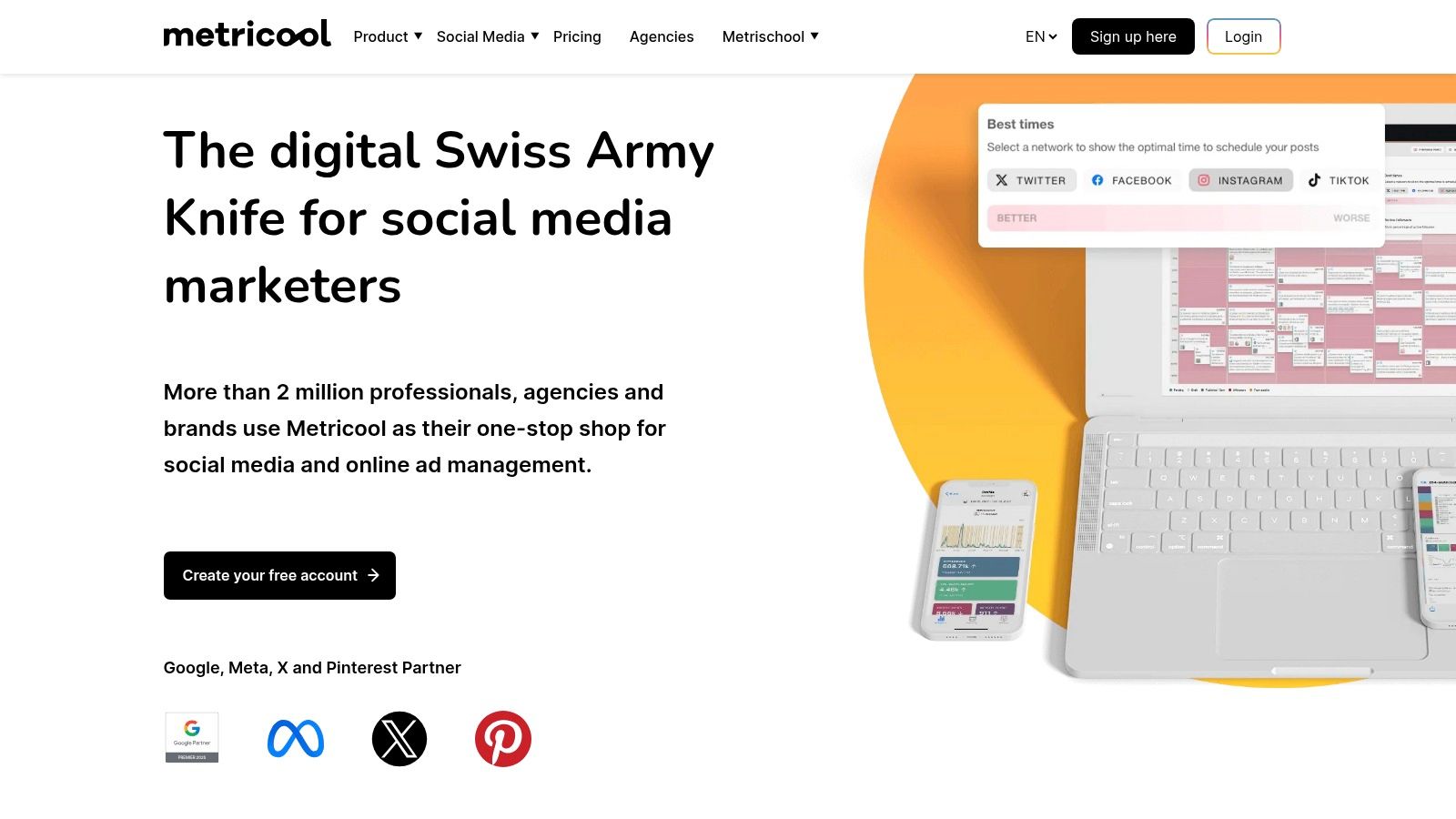
Metricool is an all-in-one social media management platform that packages scheduling, in-depth analytics, and ad management into a remarkably accessible tool. It’s designed for freelancers, agencies, and brands that need to manage multiple accounts without an enterprise-level budget. This platform stands out as one of the most value-driven social media automation tools, particularly for its robust competitor analysis and reporting features, which are often found in much pricier software.
The platform provides a clear, unified view of all your digital channels, from social media profiles to Google Business Profile and website traffic. At BillyBuzz, we leverage Metricool’s multi-brand management to keep client accounts completely separate, generating custom, white-labeled reports that highlight key growth metrics. Its ability to schedule content in bulk and find the best times to post for each specific network saves our team hours every week, ensuring consistent delivery even for diverse audiences.
Key Features & Use Cases
- Best for: Freelancers, agencies, and small businesses managing multiple brands who need strong analytics and reporting on a budget.
- Standout Feature: The comprehensive analytics and competitor tracking are exceptional for its price point. You can analyze up to 100 competitors, track hashtag performance, and generate downloadable PDF or PPT reports with ease.
- Practical Tip: Use the Looker Studio (formerly Google Data Studio) connector to pull all your Metricool data into a centralized dashboard with other marketing analytics, creating a holistic view of your performance.
- Integrations: Connects with Zapier to automate workflows between Metricool and thousands of other apps, and includes a built-in AI assistant to help generate post ideas.
Pros and Cons
| Pros | Cons |
|---|---|
| Generous free plan and affordable paid tiers ideal for managing multiple brands. | X/Twitter management and data require a paid add-on. |
| Powerful reporting value, including downloadable competitor analysis. | Team management features are only available on higher-tier plans. |
| All-in-one functionality combines analytics, scheduling, ads, and a link-in-bio tool. | The user interface can feel less polished than some premium competitors. |
Pricing: A free plan is available for one brand. Paid plans start at $22/month for 5 brands, with Team plans starting at $79/month for 15 brands.
Website: https://metricool.com
11. Meta Business Suite
Meta Business Suite is the native, free management and scheduling platform for Facebook Pages and Instagram Professional accounts. While not as feature-rich as dedicated third-party software, it provides essential scheduling and inbox management tools directly within the Meta ecosystem. As one of the most accessible social media automation tools, it's an excellent starting point for businesses focusing exclusively on Facebook and Instagram.
Its primary strength is its seamless, native integration. There are no API connection issues or third-party authentication failures to worry about, guaranteeing reliability and immediate access to new platform features like Reels templates or ad formats. At BillyBuzz, we use Meta Business Suite for last-minute, time-sensitive posts on Facebook and Instagram because we know they will publish without a hitch, and it’s perfect for ensuring compliance with Meta’s ever-changing content policies.
Key Features & Use Cases
- Best for: Solopreneurs, startups, and small businesses whose primary social media presence is on Facebook and Instagram.
- Standout Feature: The content planner provides a clear visual calendar (week and month views) with recommended posting times based on when your specific audience is most active online.
- Practical Tip: Use the A/B testing feature for posts directly within the suite to experiment with different captions, images, or links to see what resonates best with your audience before committing to a larger campaign.
- Integrations: Being a native tool, its core integration is with Facebook and Instagram Ads Manager, allowing you to easily boost scheduled posts or create ad campaigns from the same interface.
Pros and Cons
| Pros | Cons |
|---|---|
| Completely free to use for anyone with a Facebook Page or Instagram account. | Limited to Meta platforms; no support for Twitter, LinkedIn, or Pinterest. |
| Native integration ensures perfect reliability and immediate feature access. | Basic analytics compared to comprehensive third-party tools. |
| Simple, intuitive interface that is easy for beginners to learn and navigate. | Scheduling window is limited (from 20 minutes to only 29 days in advance). |
Pricing: Completely free to use.
Website: https://business.facebook.com
12. Zapier
While not a traditional social media scheduler, Zapier is the ultimate glue for your marketing stack, making it one of the most powerful social media automation tools available. It’s a no-code platform that connects over 7,000 different apps, allowing you to create custom "Zaps" (automated workflows) that pass information between them. This is perfect for automating the tedious tasks that dedicated social media platforms don't cover.
Its true power lies in creating bespoke workflows that fit your exact needs. For instance, at BillyBuzz, we use a Zap that automatically creates a Trello card for our design team whenever a new blog post is published in our CMS. Another Zap alerts our Slack channel when our brand is mentioned on Reddit, allowing for rapid engagement. This cross-platform capability moves beyond simple posting to true operational automation.
Key Features & Use Cases
- Best for: Teams looking to connect their social media tools with other business apps (like CRMs, project management, or email marketing) for seamless data flow.
- Standout Feature: The sheer number of integrations and the flexibility of its trigger-and-action system. You can build multi-step workflows that conditionally perform actions based on data from other apps.
- Practical Tip: Create a Zap that automatically shares your new YouTube videos to LinkedIn and Twitter with a custom message. You can also set up a workflow to add users who fill out a lead gen form on Facebook to your email marketing list in Mailchimp.
- Integrations: Connects with virtually every major marketing, sales, and productivity tool, including Slack, Google Sheets, HubSpot, Salesforce, Trello, and thousands more.
Pros and Cons
| Pros | Cons |
|---|---|
| Extremely flexible and can automate almost any repetitive cross-app task. | Task-based pricing can become expensive with high-volume or complex workflows. |
| Vast library of app integrations connects your entire tech stack. | The sheer number of options can create a steep learning curve for new users. |
| Reduces manual data entry and saves countless hours on cross-posting and reporting. | Reliability depends on the APIs of the connected apps, which can sometimes have downtime. |
Pricing: A free plan is available for 100 tasks/month. Paid plans start at $19.99/month (billed annually) for more tasks and multi-step Zaps. Team and company plans offer advanced collaboration features.
Website: https://zapier.com
Social Media Automation Tools Comparison
| Tool | Core Features | User Experience & Quality | Value Proposition | Target Audience | Price Points & Scalability |
|---|---|---|---|---|---|
| BillyBuzz | AI-powered Reddit monitoring, real-time alerts (Email, Slack, Discord), AI relevancy scoring, SEO boosting Reddit posts | Context-aware AI, real-time engagement, saves manual work | Identifies high-intent Reddit leads, boosts SEO, flexible scalable pricing | Startups, growing marketing teams | Starter to Scale plans for solo to established businesses |
| Sprout Social | Cross-network scheduling, unified inbox, deep analytics, integrations | Mature workflows, strong collaboration | Enterprise-grade insights and governance | Large teams, enterprises | Higher per-seat pricing, scales for large orgs |
| Hootsuite | Unlimited scheduling, social listening, AI content tools | Robust ecosystem, extensive channel support | Comprehensive social media suite for all sizes | SMB to enterprise | Priced higher, tiered plans available |
| Buffer | Queue-based scheduling, engagement tools, Start Page builder | Very easy to use, transparent pricing | Affordable, simple scheduler | SMBs, creators | Transparent per-channel, generous free tier |
| Later | Visual planner, auto-publish Instagram/TikTok, team collaboration | Visual-first, excellent UI | Focus on visual content, creator tools | Creators, visually driven brands | Starter to Growth plans, feature limits on base plans |
| Agorapulse | Unlimited posts, team approvals, reporting, inbox assistant | Strong team features, responsive support | SMB/agencies focus with clear pricing | SMBs, agencies | Per-user pricing, Free plan available |
| Sendible | Multi-calendar, bulk posting, custom reports, white-label | Agency-centric, scalable users | Designed for agencies managing multiple brands | Agencies | Tiered plans with some feature restrictions |
| SocialBee | Evergreen post recycling, AI assistant, multi-brand workspaces | Fast setup, user-friendly | Low-cost automation for SMBs | SMBs, solo managers | Low cost with promotions |
| Loomly | Content calendar, collaboration, asset library, approvals | User-friendly interface | Simple planning and team workflows | Teams, nonprofits | Pricing varies/gated, nonprofit discounts |
| Metricool | Multi-brand scheduling, competitor tracking, AI, ad management | Strong reporting value | All-in-one with detailed analytics | Diverse brands | Free plan, tiered with add-ons |
| Meta Business Suite | Native FB & IG scheduling, planner, basic inbox | Native reliability, free | Native tool for Meta platforms | Facebook & Instagram users | Free, limited scheduling window |
| Zapier | No-code automation, 7,000+ app integrations, multi-step workflows | Flexible, starts free | Automates cross-app tasks | Anyone needing automation | Task-based billing, can be expensive |
Building Your Founder-Friendly Automation Stack
Navigating the crowded landscape of social media automation tools can feel overwhelming, especially for founders and lean teams where every dollar and minute counts. As we've explored through this detailed roundup, the goal isn't to find a mythical, all-in-one platform that magically solves every problem. Instead, the strategic path lies in assembling a purpose-built, founder-friendly automation stack that directly addresses your most significant bottlenecks and growth opportunities.
For us at BillyBuzz, our internal stack is a testament to this philosophy. We rely on Buffer for its straightforward, no-fuss content scheduling to maintain a consistent presence across our core channels. For everything else, Zapier acts as our digital duct tape, connecting disparate apps and automating custom workflows that no single platform could handle. This combination covers our content distribution and operational efficiency. But the real game-changer is how we find and engage with potential customers.
We use our own tool, BillyBuzz, to automate the most high-leverage activity: customer discovery on Reddit. By setting up alerts for keywords like "social media scheduling tool alternative" or "customer feedback software" in subreddits such as r/startups and r/SaaS, we get real-time notifications when our ideal customers are actively seeking solutions. This allows us to jump into relevant conversations organically, providing value without the hard sell. It’s this targeted automation, not just blanket scheduling, that drives tangible growth.
How to Choose Your Perfect Social Media Automation Stack
Your ideal combination of tools will be unique to your startup's specific context. To move from analysis to action, consider these critical factors:
- Identify Your Biggest Time-Sink: What is the single most repetitive, time-consuming social media task you or your team performs daily? Is it manually posting content, compiling performance reports, or searching for brand mentions? The first tool you adopt should solve that specific problem.
- Define Your Core Channels: Don't pay for a tool with deep integrations for Pinterest and TikTok if your entire audience lives on LinkedIn and Twitter. A platform like Later is fantastic for visual-first networks, but might be overkill if you're focused on B2B text-based discussions. Align your tool with where your customers are.
- Start Small and Scale Intelligently: Resist the urge to subscribe to a powerful, expensive platform like Sprout Social or Agorapulse from day one. Begin with a free or low-cost tool like Metricool or Meta Business Suite to get your basic scheduling in order. As your team grows and your strategy becomes more complex, you can graduate to more comprehensive solutions.
Implementation: The Key to ROI
Remember, the best social media automation tools are only as effective as the strategy behind them. Implementation is key. Before you commit, map out a clear workflow. For instance, if you choose SocialBee for its category-based scheduling, take an hour to define your content categories (e.g., "Product Updates," "Industry News," "User-Generated Content") and set a posting schedule. This initial setup pays dividends in long-term efficiency.
To further refine your choices and understand the broader landscape, consider exploring comprehensive lists of the 12 best social media automation tools available in the market. Seeing how others categorize and compare these platforms can provide valuable perspective as you finalize your stack.
Ultimately, the right tools will free you from the mundane, repetitive tasks of social media management, allowing you to focus on what truly matters: creating authentic connections, understanding your customers, and building a brand they love. The objective is sustainable progress, not immediate perfection. Choose your tools, set them up, and get back to building your business.
Ready to move beyond basic scheduling and automate customer acquisition? BillyBuzz is designed for founders who want to find and engage with future customers on Reddit before the competition does. Stop guessing where your audience is and start getting real-time alerts when they talk about problems your product can solve. Try BillyBuzz and turn conversations into conversions.